User home page
When a user is logged, he is automatically redirected on the user's workspaces list page.
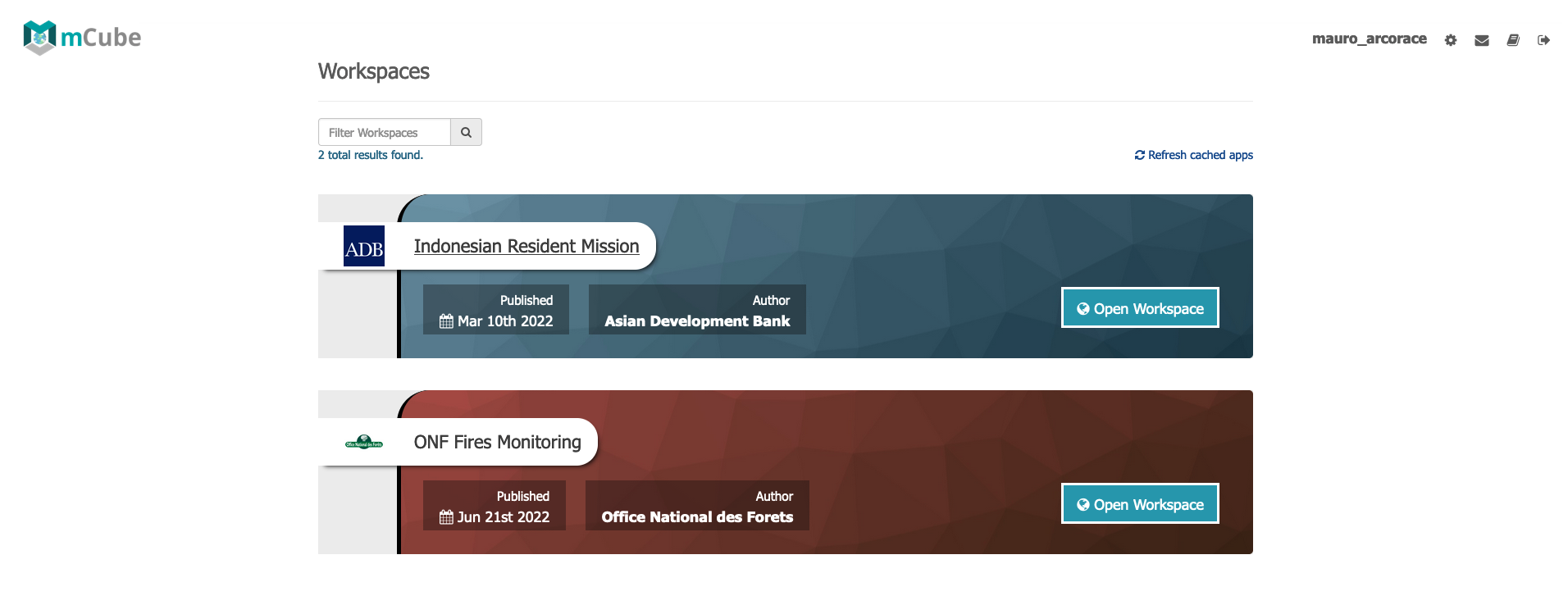
The page presents a queryable list of activations belonging to the user. Each activation has descriptive information such as:
- workspace title
- author/owner of the workspace
- date when activation has been published
- a button to open the activation workspace
Users can also filter activations by using the search input.
By clicking on the "Open Workspace" button, the relative Workspace application will be opened in a separate page.